PlatformHow it worksWho it's forPlans Book a demo
Training and readiness platform

Readiness,
spelled out.

Recap. helps you plan and run your training. Then it does the tracking, scheduling and reporting for you.

Built for training teams in emergency response, healthcare and high-risk industries.

Book a demoJoin early access
Trusted by
R
Reporting
Every session becomes a clear report you can share and keep.
E
Evaluation
Benchmark performance against the same standard every time.
C
Competency
Track skills and completions across every learner.
A
Analytics
See trends across training groups, courses and agencies.
P
Progression
Turn each debrief into the next training plan.
Train it. Prove it.

It's not just what your training team does.
It's what you can prove.

Recap. doesn't replace your educators. It gives them their time back, so they can be the subject matter expert in the room instead of the person stuck building paperwork.

You, with help from Recap.
Lead the training.
Bring what you know. Recap. fills the gaps with current best practices.
Put together a full training day in minutes, not days.
Spend your time facilitating, coaching and on skills, not behind a desk.
Newer educators get a built-in mentor for every prebrief and debrief.
Recap.
Handles everything else.
Tracks every session, score and completion.
Schedules training and refreshers, and flags who is due.
Writes the after-action report when the debrief ends.
Keeps every record in one place, ready to show.
Your standards, or ours
Use your own SOPs.
Or lean on Recap.

Load your protocols, SOPs and maps if you have them. If you don't, the Recap. AI builds on current industry best practices and standards, so you can teach accurate content even outside your own specialty.
One tool instead of many
Lesson plans in binders and Word docsBuilder
Spreadsheets of who trained on whatTracking
Calendar and scheduling appsScheduling
Report templates filled in by handAfter-action reports
Paper sign-in sheetsCompletion records
Less paperwork
More time with your people.

Recap. handles the reports, tracking and scheduling so your instructors can focus on the training.

Book a demo
The builder

Build a training plan
in minutes, not days.

Describe what you need, or start from a template. Recap. drafts it with you, and you make the final call.

Scenarios, skills stations, JPRs or a full training day
AI drafts the prebrief in a junior or senior facilitator style, based on current best practices
Set the objectives and benchmarks you'll measure against, then save it to reuse
You review and edit everything before it goes live
recapready.com
Scenario preview
Draft · v1
Ravine Fall with Lower-Leg Injury
IncidentObjectivesMedical
Incident type
Fall injury with difficult access
General location
Rural trail, 800 m from nearest road
Mission
Assess, stabilise and extricate the patient safely
Objective 1
Safe scene assessment in difficult-access terrain
AI prebrief ready
Junior facilitatorSenior facilitator
"Adult male has fallen in a steep ravine with a lower-leg injury, 800 m from the nearest road. One patient, one uninjured companion. Steep, unstable terrain with loose rock."
See it working

From session
to report.

01
Log the session
On any device, as it happens.
02
Get the report
Recap. turns the log into a detailed AAR.
03
Edit, approve, share
Make it yours, then send it out.
Download a sample after-action report →
recapready.com
After-action report
Draft
Ravine Fall with Lower-Leg Injury
BLS · ~45 min · 6 responders · Coaching emphasis
Scenario overview
A team of six responded to a lower-leg injury in a steep ravine 800 m from the road. The exercise tested scene safety, patient care, comms below the rim and a low-angle rope extrication.
Key tactical timeline
00:00Team arrived, began scene size-up
04:30First rescuer reached patient, scene declared safe
11:20Lower leg splinted with improvised materials
21:40Radio lost below the rim, relay established
32:05Haul system complete, extrication began
44:30Patient at trailhead, handover to EMS
Strengths
Scene safety assessed before patient contact.
Assessment and splinting done within 12 minutes.
Areas for improvement
Extrication planning started late. Assign a rescue lead early.
Brief the below-the-rim comms plan before descent.
Training recommendations
Run a short comms drill below the rim.
Practise an early rescue-lead handoff.
Approve AARExport
9:41
Ravine Fall41:20
Tactical log
00:00
Command
Team arrived, began scene size-up
02:14
Safety
Hazard identified: loose rock above access route
04:30
Actions
First rescuer reached patient, scene declared safe
21:40
Comms
Radio lost below the rim, relay established
32:05
Actions
Haul system complete, extrication began
Patient contactCommandHazardPPEComms
Log an observation…
Run it from your phone.
One tap logs every decision in the field.
Sample report

From training to
actionable insight.

A full six-page report from a real training day: exercise photos, objectives, timeline, performance observations, strengths, areas for improvement, safety considerations and training recommendations.

Download the full sample report
Free download · Email required
De-identified training report prepared by Bad Day Solutions.
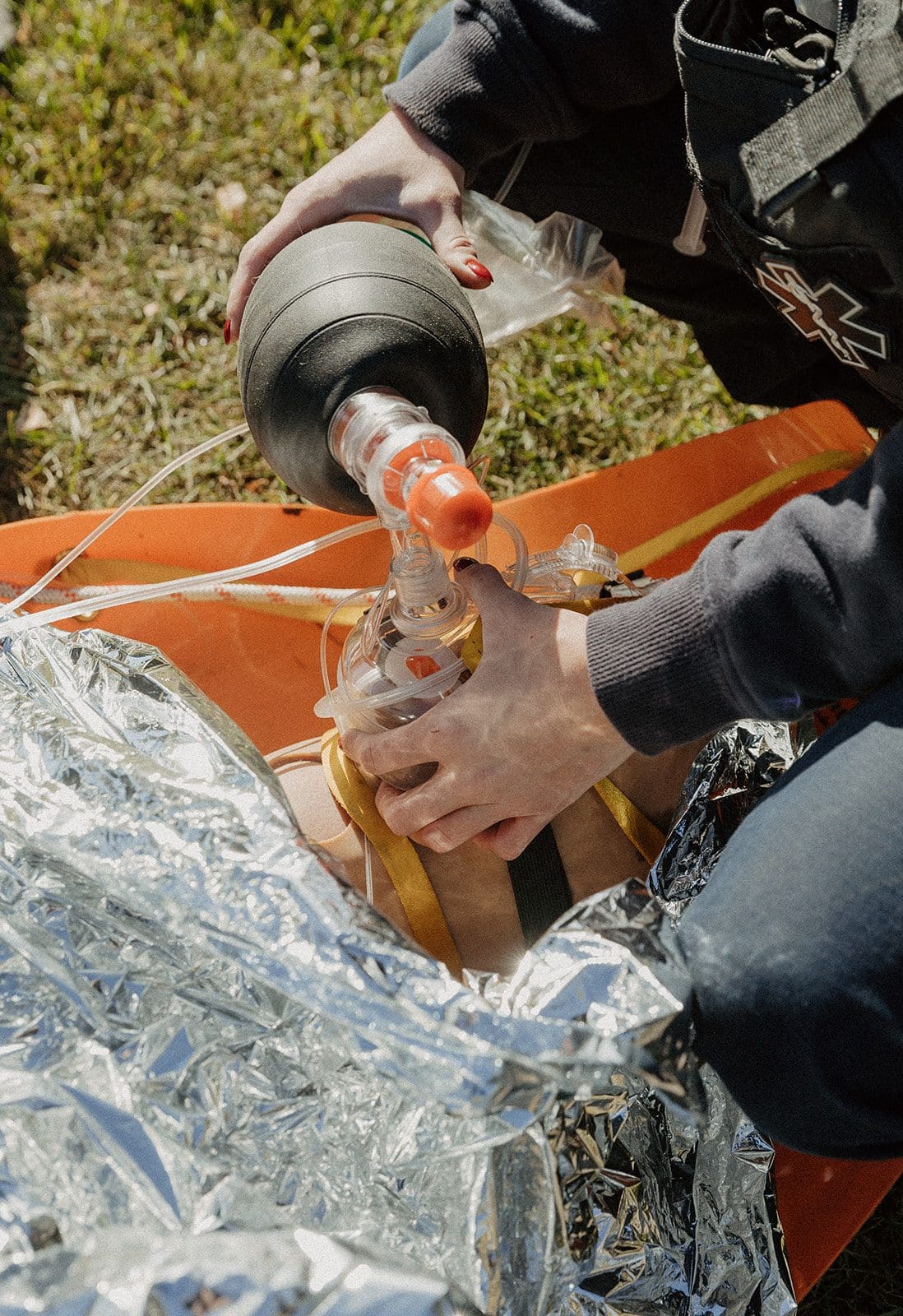
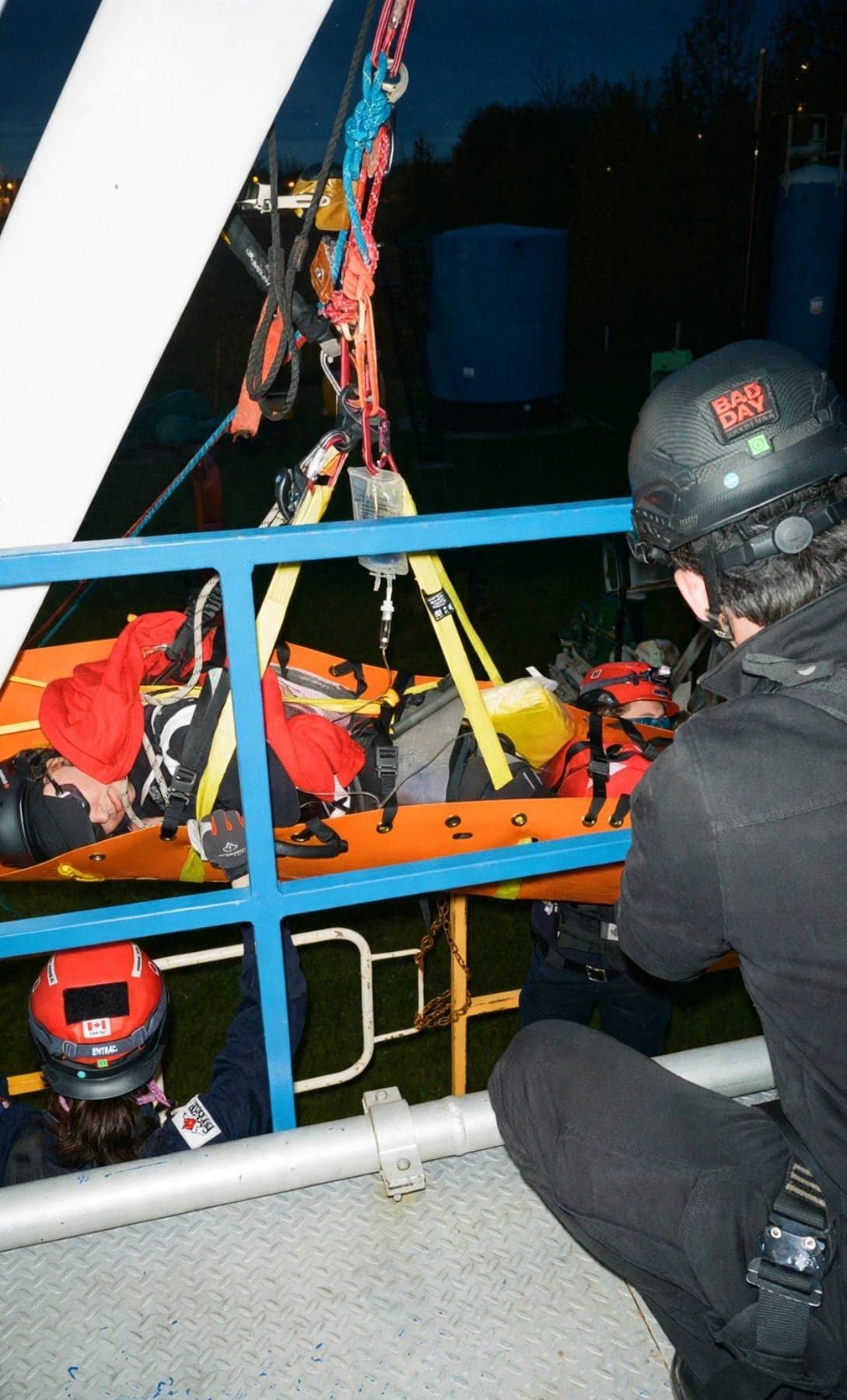
Exercise photographyAfter-action report
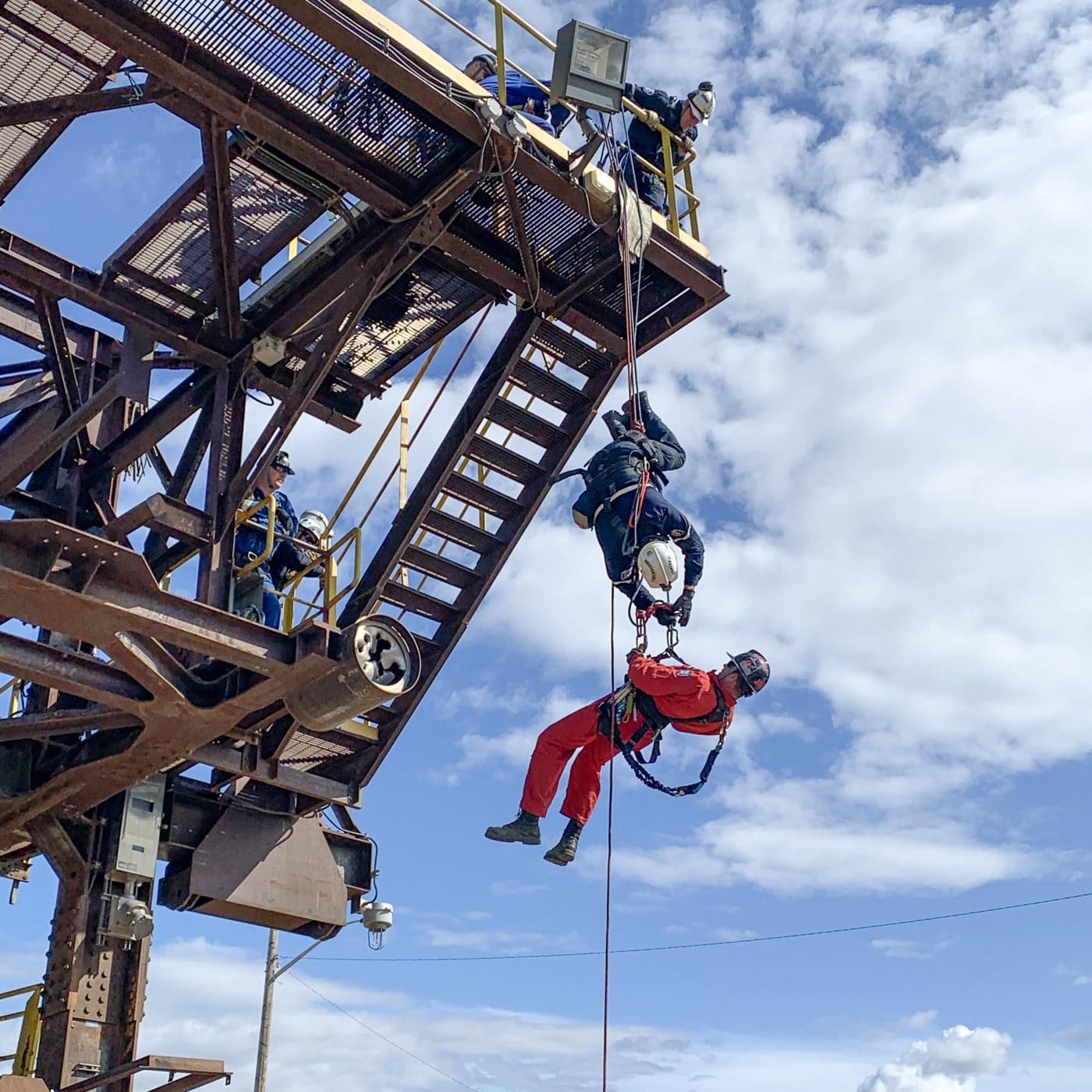
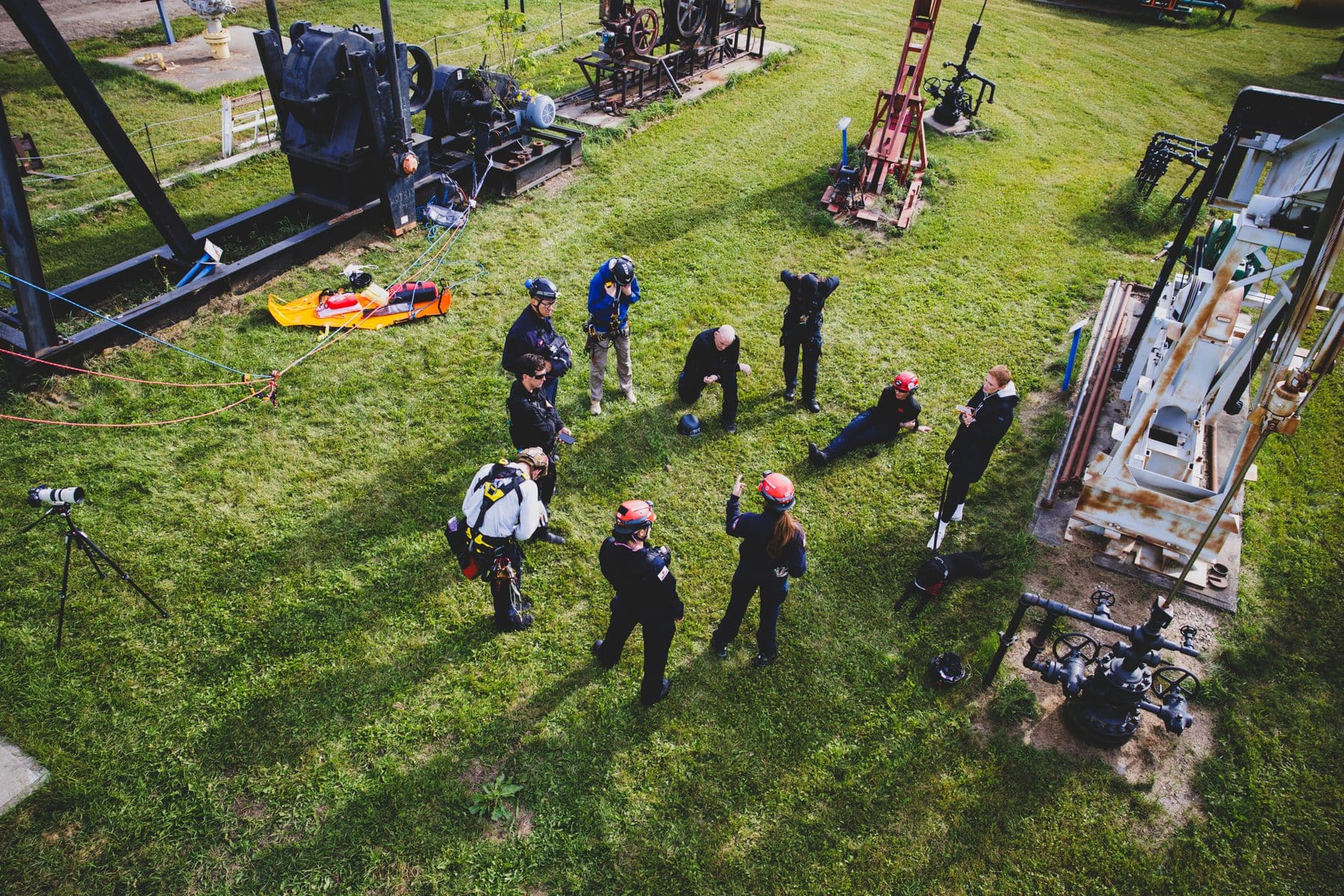
Technical rescue off a 40' platform.
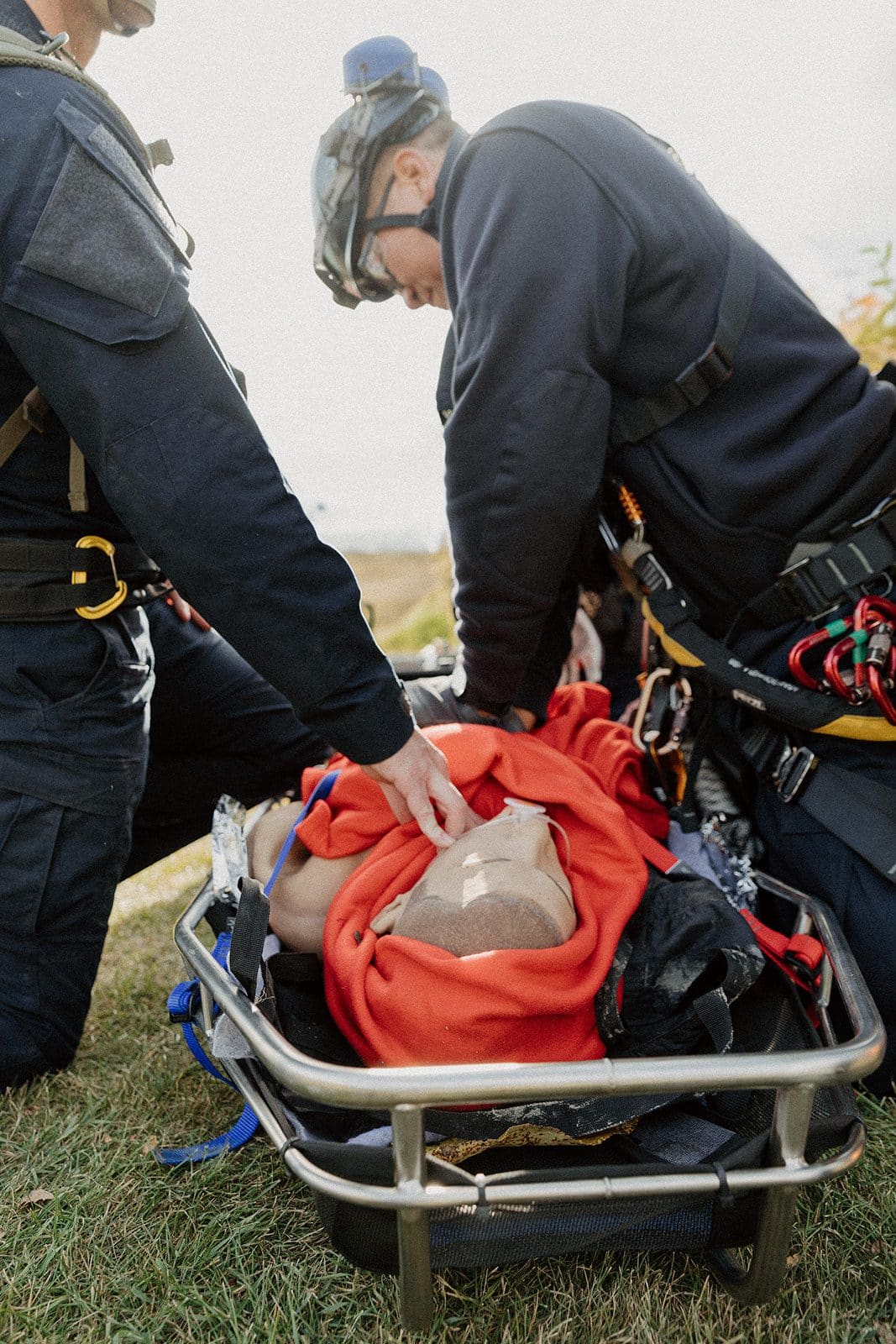
Single-person BVM ventilation and airway management.
Page 2 · Exercise photography
Objectives, overview & timelineAfter-action report
Learning objectives
1. Safe scene assessment in difficult-access terrain
2. BLS assessment and stabilisation of a lower-leg injury
3. Coordinate a safe extrication plan
Scenario overview
Key tactical timeline
00:00Scene size-up
04:30Patient contact
11:20Leg splinted
15:10Extrication began
Page 3 · Objectives, overview & timeline
See Recap. run one of your own scenarios.
Book a demo →
How it works

Train. Debrief. Improve. Repeat.

Every session feeds the next one. That loop is the whole point of Recap.

01
Prebrief
Set objectives and expectations using adult-education and simulation best practice.
04
After-action report
Every session becomes a report learners and agencies can act on.
02
Run and log it
Tap to log actions, command, comms and safety events with a timestamp as they happen.
03
Debrief
Guided, structured debriefs that capture what happened and why.
Platform

Everything a training
department does,
in one place.
Training builder
Build scenarios, skills stations, JPRs or a full training day, from a single skill to a multi-agency drill.
Prebriefs and debriefs
Built on adult-education and simulation models, so every session is structured the same way.
Live tactical log
One tap logs each action, command, comms or safety call with a timestamp, ready for the debrief.
After-action reports
A report for every session and every learner, ready to share.
Scheduling
Book training and refreshers, and see what is coming up and who is due.
Tracking
Every session, completion and score is logged to each person. No spreadsheets.
Built for the floor
Less time at a desk.
More time on the floor.

Build the day in minutes, run it, and let Recap. write it up.

Book a demo
Who it's for

Built for the people who train
for the worst day.

From a single instructor to a full organization, Recap. fits the way your team already trains.
Emergency response
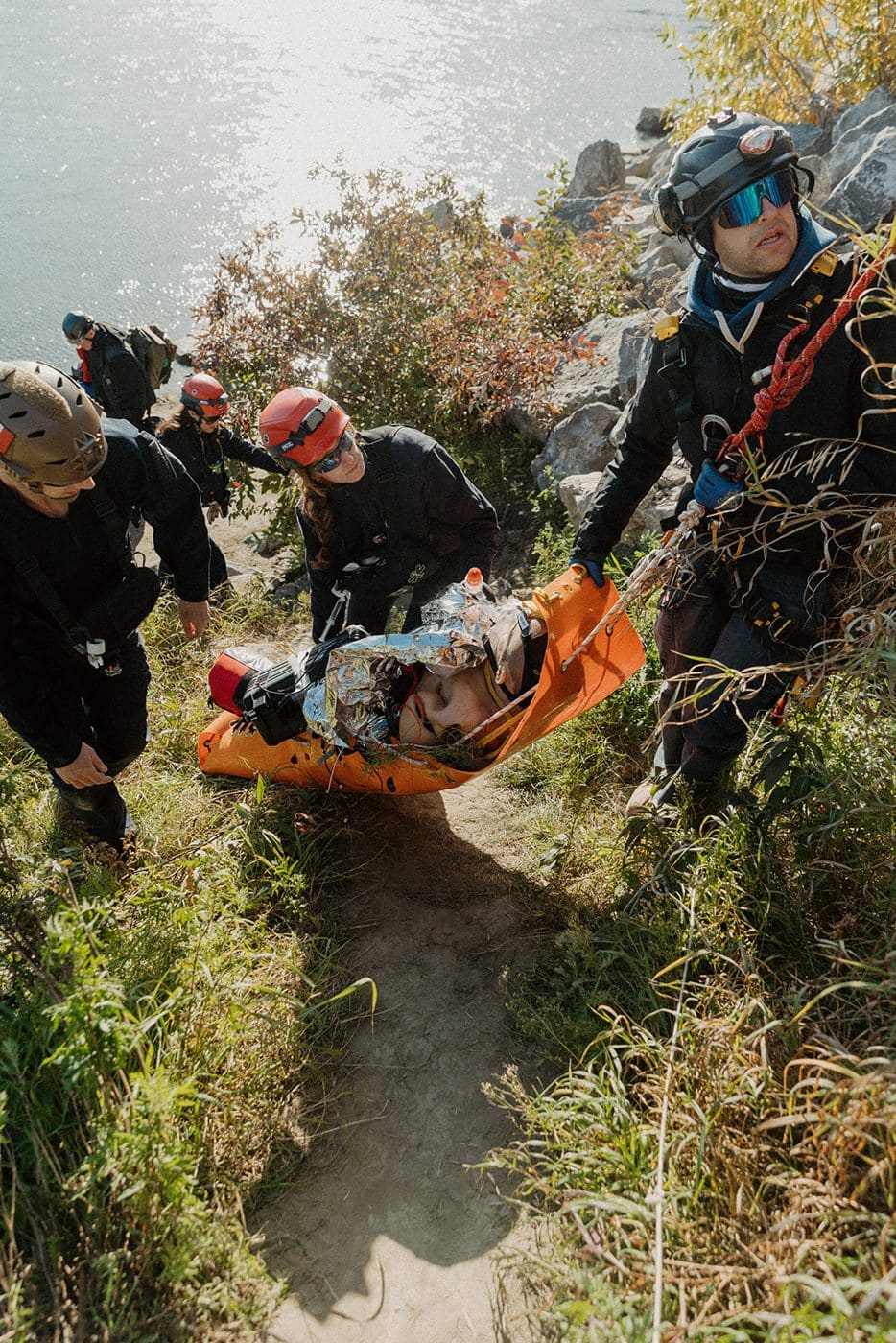
Fire, EMS, rescue and response teams that need proof of readiness.
Healthcare
Clinical educators running simulation, skills and team training.
High-risk industries
From fire drills to man-down and first aid, with records ready for regulators.
Training providers
Agency-hired or open enrolment, run every course on Recap. Every learner and client agency gets the same clear after-action report.
From the field
What we keep hearing.
Themes from management, training officer and student feedback. Direct quotes coming soon.
Managers want every training provider using it, so they can see what their people actually learned.
Common theme · Management
Students remember what they learned, and what they still need to work on.
Common theme · Students
It helps training officers build out their training, start to finish.
Common theme · Training officers
Managers want every training provider using it, so they can see what their people actually learned.
Common theme · Management
Students remember what they learned, and what they still need to work on.
Common theme · Students
It helps training officers build out their training, start to finish.
Common theme · Training officers
Managers want every training provider using it, so they can see what their people actually learned.
Common theme · Management
Students remember what they learned, and what they still need to work on.
Common theme · Students
It helps training officers build out their training, start to finish.
Common theme · Training officers
Managers want every training provider using it, so they can see what their people actually learned.
Common theme · Management
Students remember what they learned, and what they still need to work on.
Common theme · Students
It helps training officers build out their training, start to finish.
Common theme · Training officers
Managers can finally see the real benefit of the training their people take.
Common theme · Management
It guides training officers through areas outside their own expertise.
Common theme · Training officers
Students see their strengths, their gaps, and how they are improving over time.
Common theme · Students
Managers can finally see the real benefit of the training their people take.
Common theme · Management
It guides training officers through areas outside their own expertise.
Common theme · Training officers
Students see their strengths, their gaps, and how they are improving over time.
Common theme · Students
Managers can finally see the real benefit of the training their people take.
Common theme · Management
It guides training officers through areas outside their own expertise.
Common theme · Training officers
Students see their strengths, their gaps, and how they are improving over time.
Common theme · Students
Managers can finally see the real benefit of the training their people take.
Common theme · Management
It guides training officers through areas outside their own expertise.
Common theme · Training officers
Students see their strengths, their gaps, and how they are improving over time.
Common theme · Students
Early access

From one person who cares about getting better
to full departments and organizations.

Pick what fits and join the list. We will be in touch about early access.

Now in early accessRecap. is opening to early users now. Join the list for early access, launch updates and a first look at founding member offers.
Join the list →
Individual
For one person who cares about getting better.
Early access to the builder and AI prebriefs
Your own AARs and training record
Launch updates first
Join the list →Early access + launch updates
Organization
For emergency response, healthcare and high-risk industry teams.
Admin and member seats for your team
Tracking, scheduling and reporting
A walkthrough built around your SOPs
Join the list →Early access + launch updates
Training provider
For instructors and companies running courses.
Facilitator seats for your instructors
A clear AAR for every learner
Reports your client agencies can use
Join the list →Early access + launch updates
No payment or commitment to join. We will reach out to set up early access and walk you through it.
FAQ

Questions, answered.

01What does Recap. actually do?–
Recap. helps you plan training with AI, log what happens during the session with one tap, and turns that log into an after-action report. It also tracks who trained on what, schedules what is coming up, and keeps every record in one place.
02Does Recap. replace our instructors?+
No. It takes the paperwork off their plate, like writing scenarios, logging, reports, tracking and scheduling, so they can spend more time teaching, coaching and on skills. Newer educators also get a built-in guide for every prebrief and debrief.
03What kinds of training can I build?+
Scenarios, skills stations, JPRs, drills and full training days. That includes anything from a simple fire drill to a multi-agency exercise, across emergency response, healthcare and high-risk industries.
04Do we need our own SOPs or protocols?+
No. Load your own protocols, SOPs and maps if you have them. If you don't, Recap. builds on current industry best practices and standards. Your instructor always reviews the content before it is used.
05Can I edit the after-action report?+
Yes. Every section can be edited before you approve, export and share it.
06Does everyone need their own account?+
Yes. Admin seats are for the people who build, schedule and run training. User seats give everyone being trained their own login, record and reports. No more shared logins.
07Can training providers use it for their clients?+
Yes. Run your courses on Recap., whether they are agency-hired or open enrolment, and every learner and client agency gets the same clear after-action report.
08Is Recap. a live incident-command or clinical decision-support tool?+
No. Recap. is a training tool. It is not built for use during live incidents or for clinical decisions.
09Is Recap. available now?+
Recap. is in early access ahead of launch. Book a demo or join early access and we will walk you through it.
Join the list

Get in
before launch.

Join early access or book a demo. It takes about a minute, and there is no payment or commitment.

1Tell us who you are and what you train.
2We reach out to set up early access or a demo.
3You hear about launch timing and founding offers first.
Prefer email?hello@recapready.com
What would you like to do? *
I'm interested in *
Size of your team or organization
Your field
What do you want help with most? (pick any)
When would you start?
We use your details to follow up on your request and, unless you opt out above, to send occasional Recap. updates. Unsubscribe any time. Privacy policy